Creating a home office that is both cozy and productive can greatly improve your work-from-home experience. A well-designed workspace not only boosts focus but also encourages a positive mindset, making your workday more enjoyable and effective. Whether you have a dedicated room or just a corner in your living space, these tips will help you design the ultimate home office environment.
Choose the Right Location
Find a Quiet Space
Select a spot in your home that minimizes distractions. Ideally, this should be away from high-traffic areas like the kitchen or living room. A quiet environment helps you concentrate and reduces interruptions.
Consider Natural Light
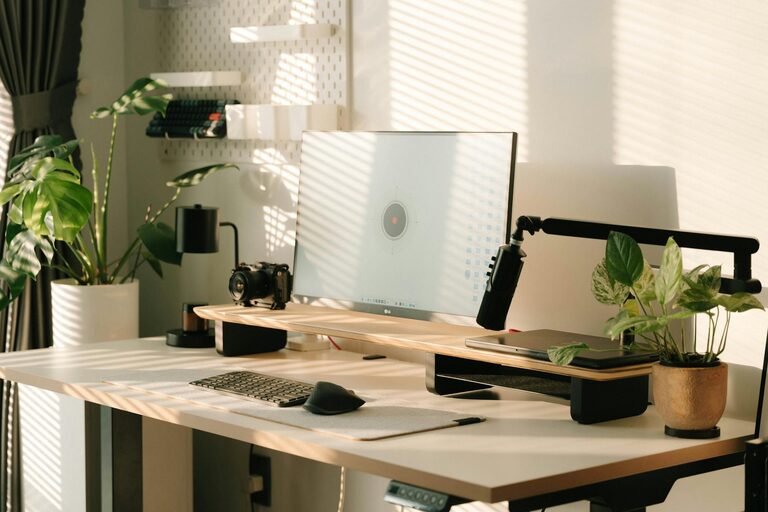
Position your desk near a window if possible. Natural light improves mood and reduces eye strain. If natural light is limited, invest in good-quality artificial lighting that mimics daylight.
Invest in Comfortable Furniture
Ergonomic Chair and Desk
Comfort is key when spending long hours at your desk. Choose an ergonomic chair with adjustable height and lumbar support. Ensure your desk is at the right height to prevent strain on your wrists and shoulders.
Desk Organization
A clutter-free desk leads to a clutter-free mind. Use organizers, drawers, or shelves to keep supplies within easy reach but off your workspace.
Personalize Your Space
Add Cozy Elements
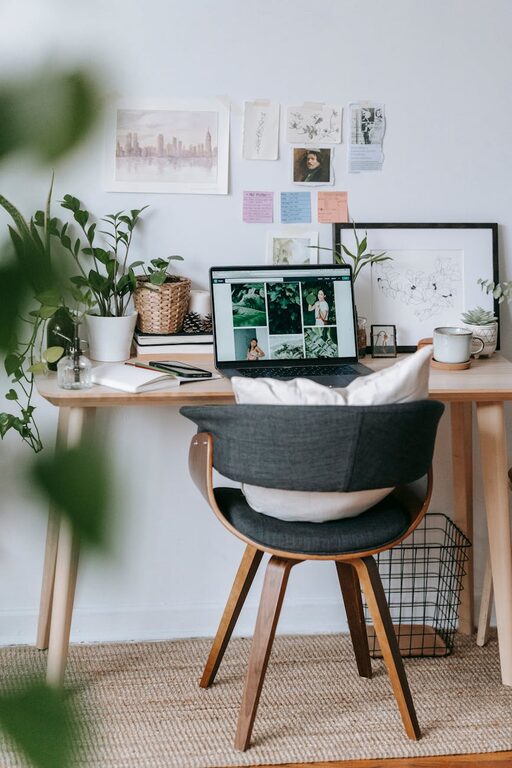
Incorporate items that make you feel relaxed, such as a soft throw blanket, cushions, or a small rug. These touches create a warm atmosphere that can reduce stress.
Include Plants
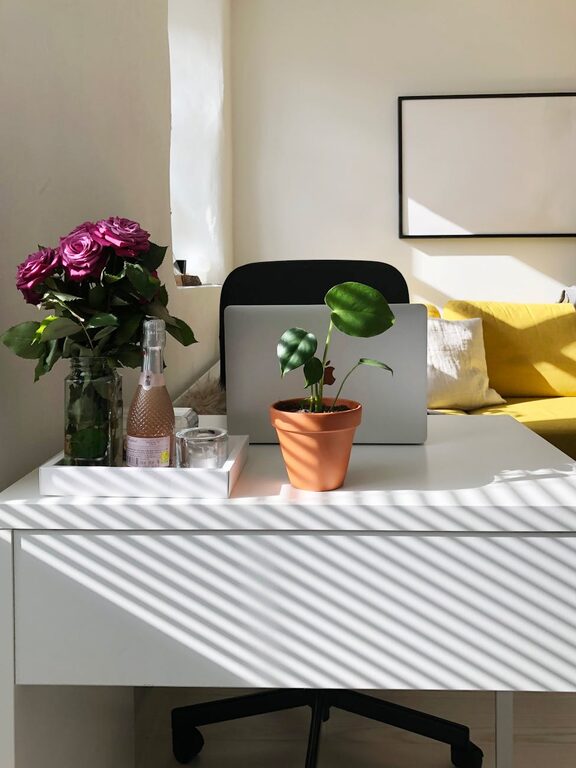
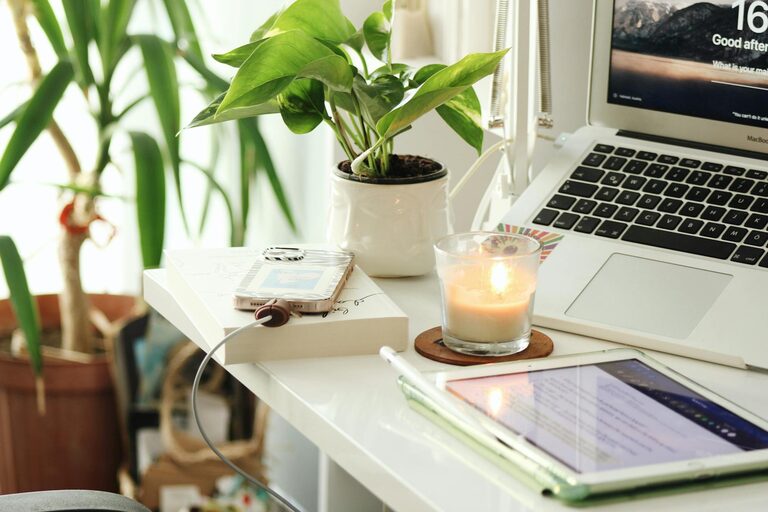
Indoor plants not only brighten up your workspace but also improve air quality and boost creativity. Choose low-maintenance varieties like succulents or pothos.
Optimize Lighting
Layer Your Lighting
Use a combination of overhead, task, and ambient lighting. A desk lamp focused on your work area can reduce shadows and eye fatigue.
Avoid Glare
Position screens to avoid reflections and glare from windows or lights. Anti-glare screen protectors can also help.
Maintain Good Air Quality
Ventilation
Ensure your workspace is well-ventilated. Fresh air keeps you alert and comfortable. If possible, open a window periodically.
Air Purifiers and Humidifiers
These devices can help maintain a healthy environment, especially in rooms that tend to be dry or dusty.
Organize Your Tech Setup
Manage Cables
Use cable organizers or clips to keep cords tidy and prevent tangling.
Upgrade Your Equipment
Reliable hardware like a good monitor, keyboard, and mouse can make a big difference in comfort and productivity.
Establish a Routine
Set Work Hours
Define clear working hours to separate personal and professional time.
Take Regular Breaks
Incorporate short breaks to stretch or move around. This helps prevent fatigue and keeps your mind fresh.
Minimize Distractions
Sound Control
Use noise-canceling headphones or play soft background music if it helps with concentration.
Limit Interruptions
Inform household members of your work schedule to reduce disturbances.
Keep Your Workspace Clean
Daily Tidy-Up
Spend a few minutes at the end of each day putting things back in place.
Regular Deep Cleaning
Dust and wipe surfaces regularly to maintain a pleasant environment.
Final Thoughts
A cozy and productive home office environment balances comfort and functionality. By paying attention to lighting, furniture, organization, and personal touches, you can create a space that encourages focus and well-being. Remember, your workspace should reflect your needs and preferences, making work from home a more enjoyable and successful experience.
About the Author